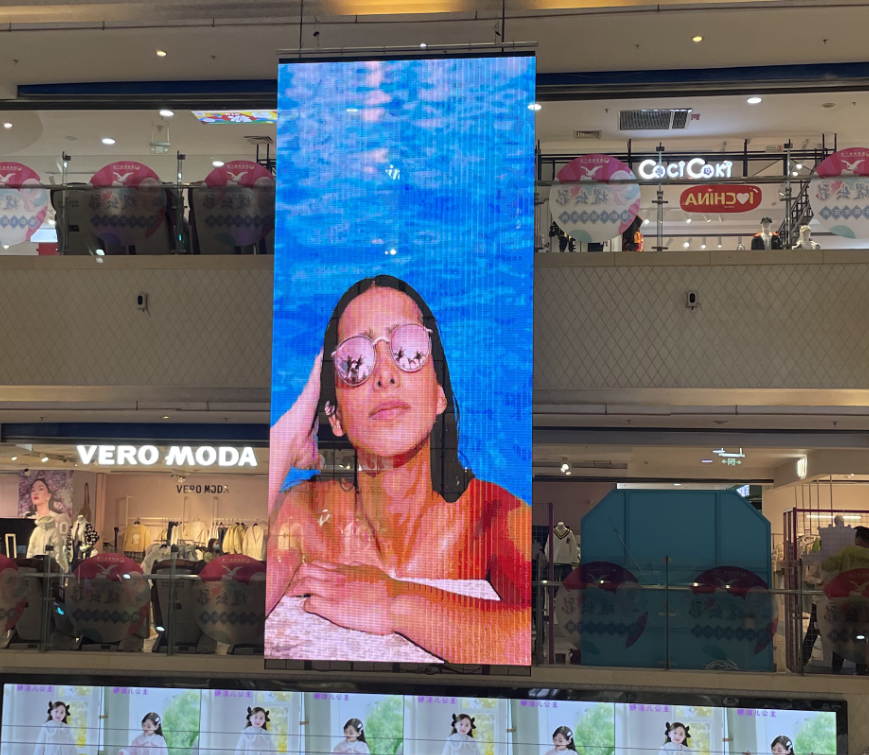


Not sure whether to choose a single-color, dual-color, or full-color LED display? This guide breaks down the real differences in cost, power consumption, display quality, and use cases — so you can make the right call the first time.
When most people shop for an LED display, they focus on color: red means single-color, red-and-green means dual-color, and anything vivid and multicolored must be full-color. But here’s what they miss — color is just the surface. The real differences lie in cost, power consumption, display capability, and where each type actually belongs.
Pick the wrong one and you’ll either overspend on features you don’t need, or end up with a screen that can’t do what you wanted. This guide cuts through the confusion.
What’s Actually Inside Each Screen
Single-Color LED Displays
- LEDs used: One color only — most commonly red, though green, white, and blue exist
- Display capability: On or off only; no grayscale or color variation
- Best for: Text, numbers, symbols, and simple scrolling messages
- Bottom line: The workhorse of basic information displays — affordable, low-power, and reliable
Dual-Color LED Displays
- LEDs used: Red + green
- Display capability: Shows red, green, and yellow (red + green combined); supports basic grayscale and simple graphics
- Best for: Text with visual highlights, status indicators, basic graphics
- Bottom line: A practical middle ground — more versatile than single-color, far cheaper than full-color
Full-Color LED Displays (RGB)
- LEDs used: Red + green + blue (RGB)
- Display capability: Millions of colors; supports high-resolution images, video, animations, and live feeds
- Best for: Advertising, presentations, stage backdrops, exhibition displays
- Bottom line: Maximum visual impact — the go-to for commercial and marketing applications
Side-by-Side Comparison
| Comparison Dimension | Single-Color LED Display | Dual-Color LED Display | Full-Color LED Display |
| Core Feature | Single-Color | Dual-Color | Full-Color |
| Display Capability | Text and numbers only; no color variation | Text and simple graphics; 3 primary colors | True color reproduction; images, video, live feeds |
| Cost Range | Lowest | Mid-range — slightly more than single-color | Highest |
| Power & Maintenance | Low power consumption; nearly maintenance-free | Moderate power; stable and durable | High power; requires cooling management and more upkeep |
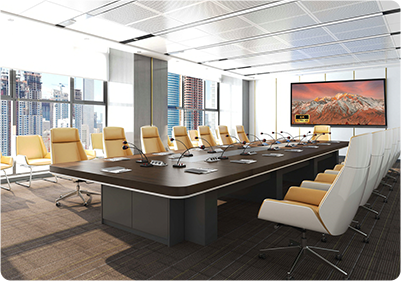
| Typical Use Cases | Store signs, bank rate boards, announcements, queue systems | Traffic guidance, transit hubs, exam halls, scoreboards | Mall advertising, conference rooms, stages, outdoor HD billboards |
How to Choose the Right LED Display?
- Displaying text or scrolling messages only?
Go with single-color. Best value for basic information needs.
- Need tiered alerts, status indicators, or simple graphics?
Dual-color is enough.
- Showing images, video, or brand content?
Only full-color will deliver the quality you need.
- Tight budget, outdoor installation, viewed from a distance?
Single-color or dual-color handles this well.
- Indoor, close-range, premium environment?
Full-color fine-pitch is worth the investment.
All in all, LED displays are not a case of “more expensive = better.” The right screen is the one that matches your actual requirements.
- Single-color = essential information
- Dual-color = enhanced information
- Full-color = visual marketing
Before your next purchase, ask yourself three questions:
- What do I need to display?
- Where will it be used?
- What is my budget?
Answer those honestly and the right choice becomes obvious.